Subject Browser is where you organise, browse, and maintain people, organisations, departments, and structural groupings in one place.
Unlike older contact lists, Subject Browser is built around a namespace model. A namespace is simply the path that shows where a Subject sits in your business structure.
A Subject can represent:
Traditional systems usually force contacts into a simple tree. That means each contact belongs in only one place.
Trade Control uses a relationship model based on a directed acyclic graph, or DAG. In practical terms, that means:
For many users, DAG flexibility will be something they rarely need. Even so, it is important to understand that a Subject belongs to a relationship structure, not just a fixed tree.
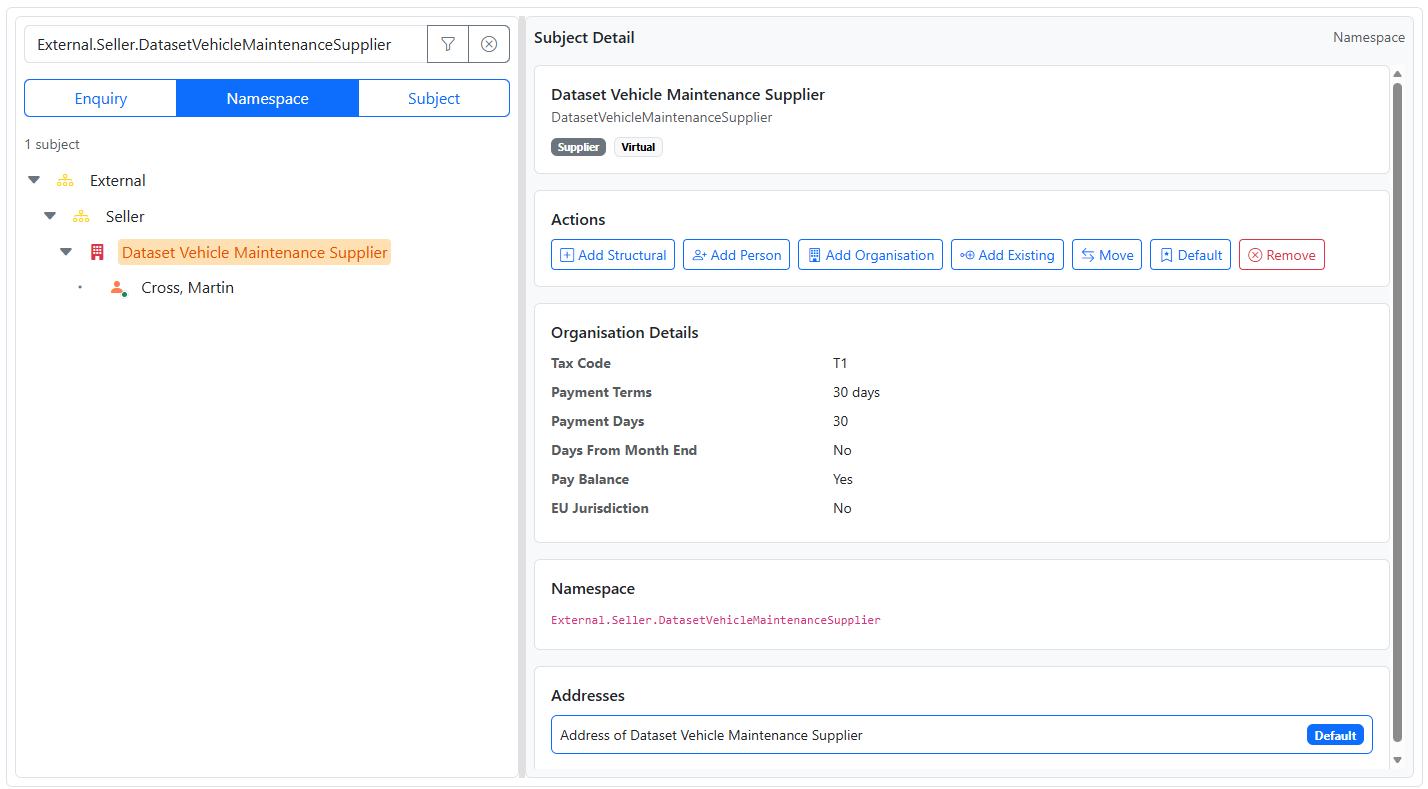
A namespace path is the location of a Subject in your structure.
For example:
Manufacturer.PlantA.ProductionManufacturer.PlantA.Production.ToolRoomManufacturer.PlantA.Production.Warehouse.DespatchThis lets you model internal structure such as departments and locations.
You can also place people inside that structure:
Manufacturer.PlantA.Production.ToolRoom.AndySmithManufacturer.PlantA.Production.Warehouse.Despatch.JoeJonesManufacturer.PlantA.Production.Warehouse.Despatch.AmyJohnsonSubject Browser works with three main Subject classes:
Structural for grouping and organisingVirtual for organisations and business entitiesReal for peopleTogether with cash polarity and Subject Type, this gives you enough flexibility to model almost any real-world scenario without needing separate systems for companies, contacts, departments, and internal roles.
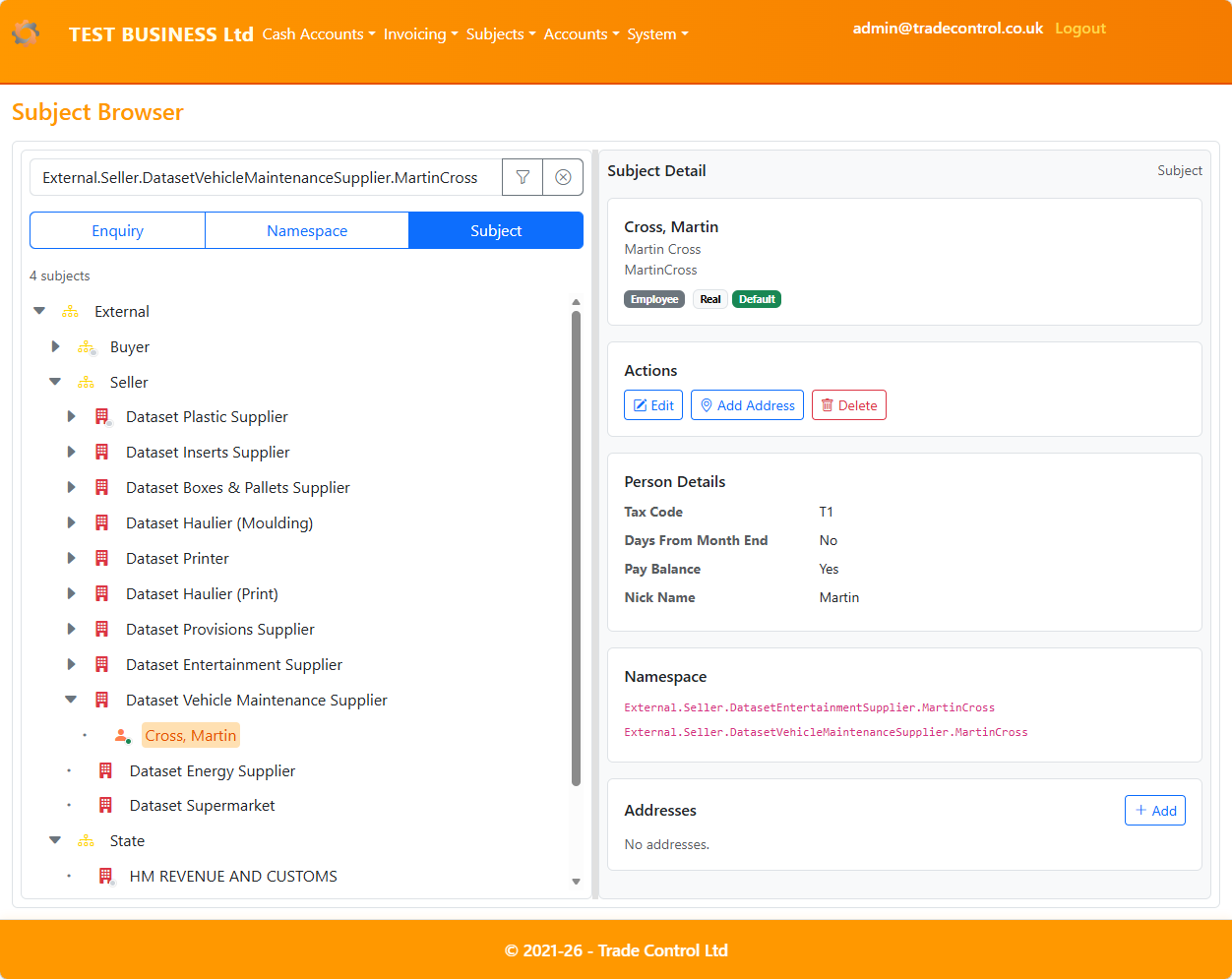
Subject Browser supports three working modes:
Enquiry for read-only browsing and related enquiriesNamespace for building and maintaining namespace relationshipsSubject for editing Subjects and managing addressesOn desktop, Subject Browser uses a split layout:
Select a Subject in the tree to update the details pane.
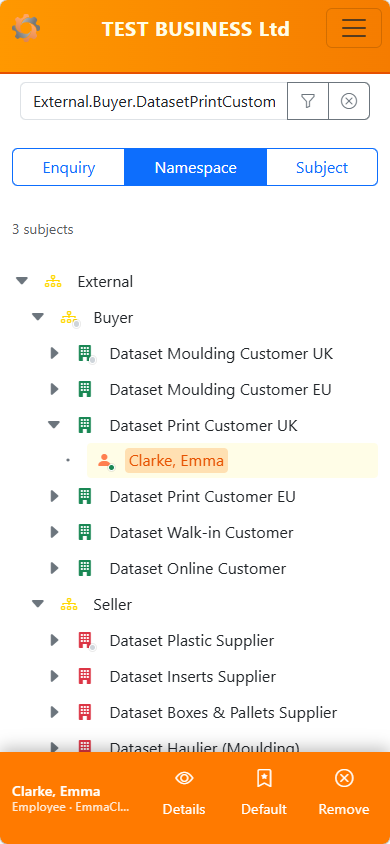
On mobile, Subject Browser uses a single-column layout.
A bottom action bar gives quick access to the most important actions for the selected Subject. The details view opens as a full-page panel.