Cash Manager - Overview
Cash Manager is the main workspace for day-to-day cash activity in Trade Control.
It brings together statement review, payment correction, transfers, asset activity, and cash account maintenance in one module.
What Cash Manager is for
Use Cash Manager when you want to:
- review posted and unposted cash activity
- work in the correct namespace context
- correct or move a payment
- enter asset-related cash activity
- transfer money between cash accounts
- maintain cash accounts
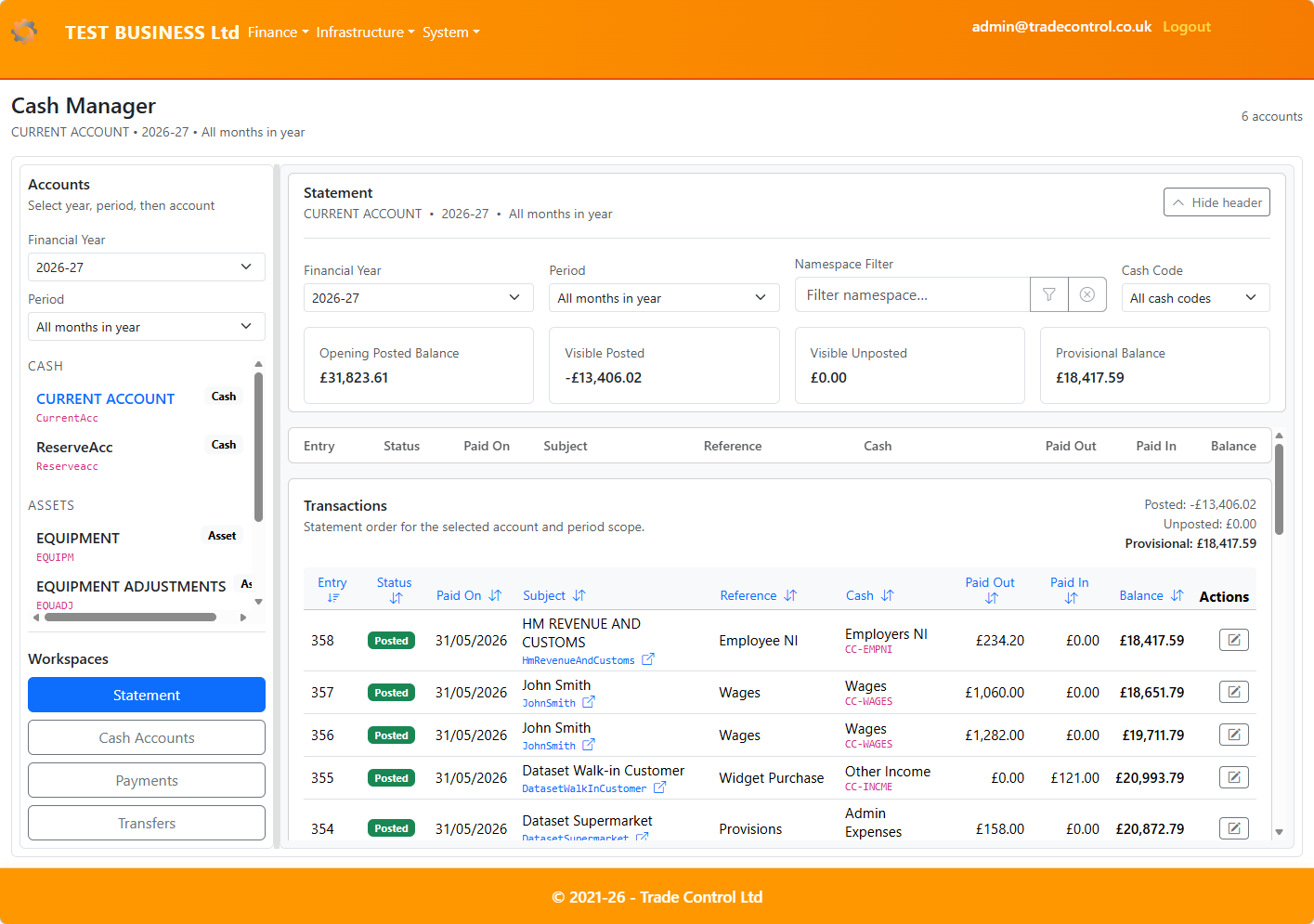
The Statement is the main operational view.
How Cash Manager is organised
Cash Manager is both account-aware and namespace-aware.
That means:
- the available workspaces depend on the selected cash account type
- statement and enquiry results reflect the selected namespace context where required
- posted and unposted activity can be reviewed together before you commit changes
On desktop, Cash Manager uses a split layout with navigation on the left and the selected workspace on the right.
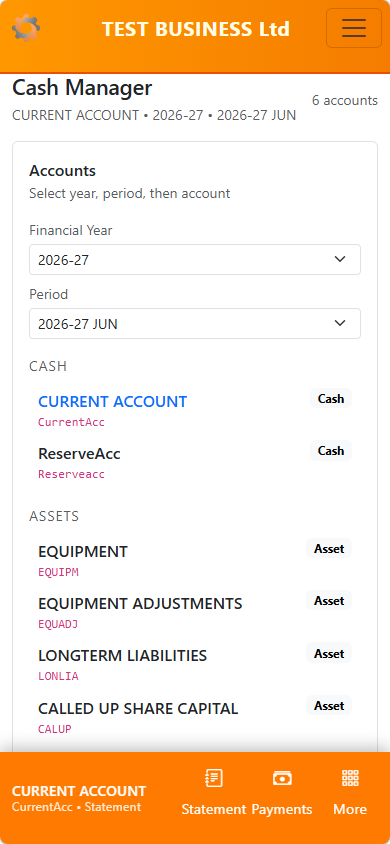
On mobile, it uses a single-column detail flow.
Guide index
Use the pages below by task.
- Statement — review posted and unposted activity, balances, filters, and linked transactions
- Payments — correct, move, and maintain payments in the correct namespace context
- Transfers — move money between cash accounts where transfers are supported
- Assets — work with asset-account activity and accrual-style entry workflows
- Cash Accounts — review and maintain the accounts available to Cash Manager
- Reference — look up key terms, concepts, and module behaviour in one place
Core ideas
Statement-first
Cash Manager is designed around the Statement view so that you can see current position before making changes.
Namespace-aware
Where a Subject can exist in more than one namespace, Cash Manager uses the selected namespace context to keep activity aligned to the correct business path.
Posted and unposted
Cash Manager distinguishes between:
Posted activity, which is part of committed cash historyUnposted activity, which is still in the spool and can be reviewed before it is posted
Posting is lightweight
Posting is not a major standalone workflow in Cash Manager.
In practice, it is a spool action used to commit unposted activity, and it matters most in the statement and asset workflows.
Typical workflow
A common working pattern is:
- open Cash Manager
- select the required cash account
- review the Statement
- filter by namespace or cash code if needed
- open or correct the relevant payment or transaction
- post unposted activity when needed as part of normal work
Related pages