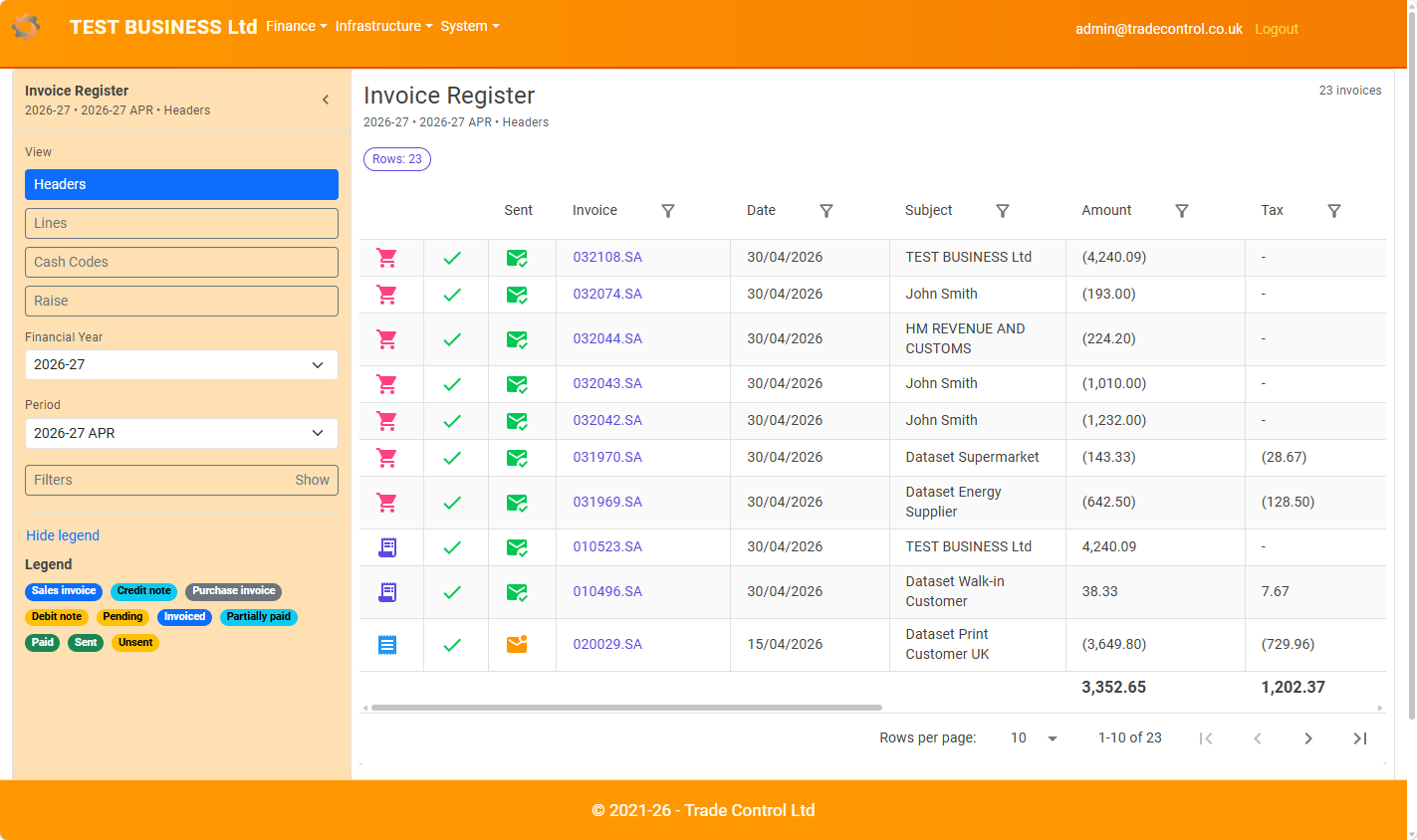
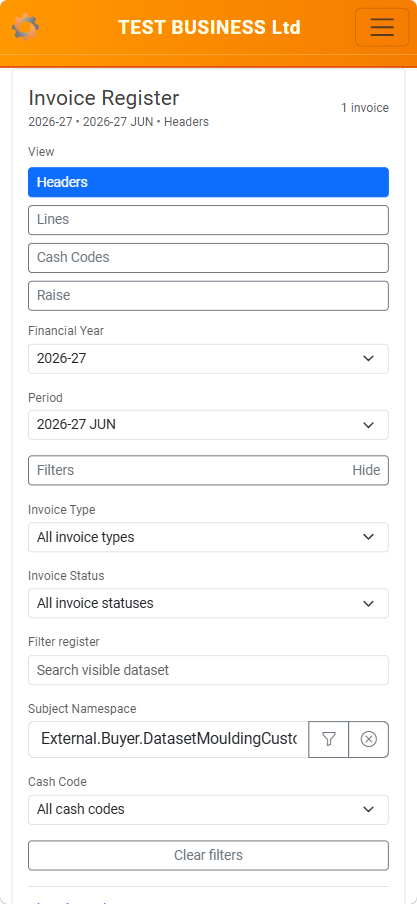
Invoice Register - Overview
Invoice Register is the primary workspace for creating, reviewing, maintaining, and submitting sales invoices in Trade Control.
It brings together invoice enquiry, invoice creation, editing, document generation, and submission in a single module.
What Invoice Register is for
Use Invoice Register when you want to:
- review invoices within a financial period
- search and filter invoice activity
- work in the correct namespace context
- create new invoices
- edit existing invoices
- review invoice line items and values
- generate invoice documents
- submit invoices to customers
- track invoice status throughout its lifecycle
The Register is the main operational view.
How Invoice Register is organised
Invoice Register is both period-aware and namespace-aware.
That means:
- invoice activity is always viewed within a selected financial period
- results can be narrowed to a specific namespace where required
- invoice information can be viewed at header, line, or cash-code level
- invoice creation, maintenance, and submission are available from a single workspace
On desktop, Invoice Register uses a split workspace layout with navigation and filters on the left and the selected workspace on the right.
On mobile, it uses a single-column detail flow with back navigation between views.
Guide index
Use the pages below by task.
- Data Grid — review invoice activity, apply filters, inspect invoice details, and navigate invoice records
- Raise — create invoices and build invoice content from draft entries
- Edit — maintain invoice headers and line items throughout the invoice lifecycle
- Submission — generate invoice documents and deliver invoices to customers
- Reference — look up statuses, terminology, and invoice lifecycle concepts
Core ideas
Register-first
Invoice Register is designed around the Register view so that invoice activity can be reviewed before changes are made.
The Register acts as the centre of day-to-day invoice management.
Multiple views of the same data
Invoice activity can be viewed from different perspectives.
Depending on the task, you can review:
- invoice headers
- invoice line items
- cash-code activity
Each view presents the same underlying information in a form appropriate to the task being performed.
Namespace-aware
Where Subjects participate in more than one business path, Invoice Register uses the selected namespace context to keep invoice activity aligned to the correct part of the organisation.
Lifecycle-based working
Invoices move through a lifecycle rather than a single editing session.
Typical stages include:
- creation
- review
- editing
- document generation
- submission
Invoice Register keeps these activities together within one module.
Typical workflow
A common working pattern is:
- open Invoice Register
- select the required period
- apply namespace or cash-code filters if required
- review invoice activity in the Register
- open an invoice for enquiry or editing
- generate invoice documents when ready
- submit the invoice to the customer
Related pages