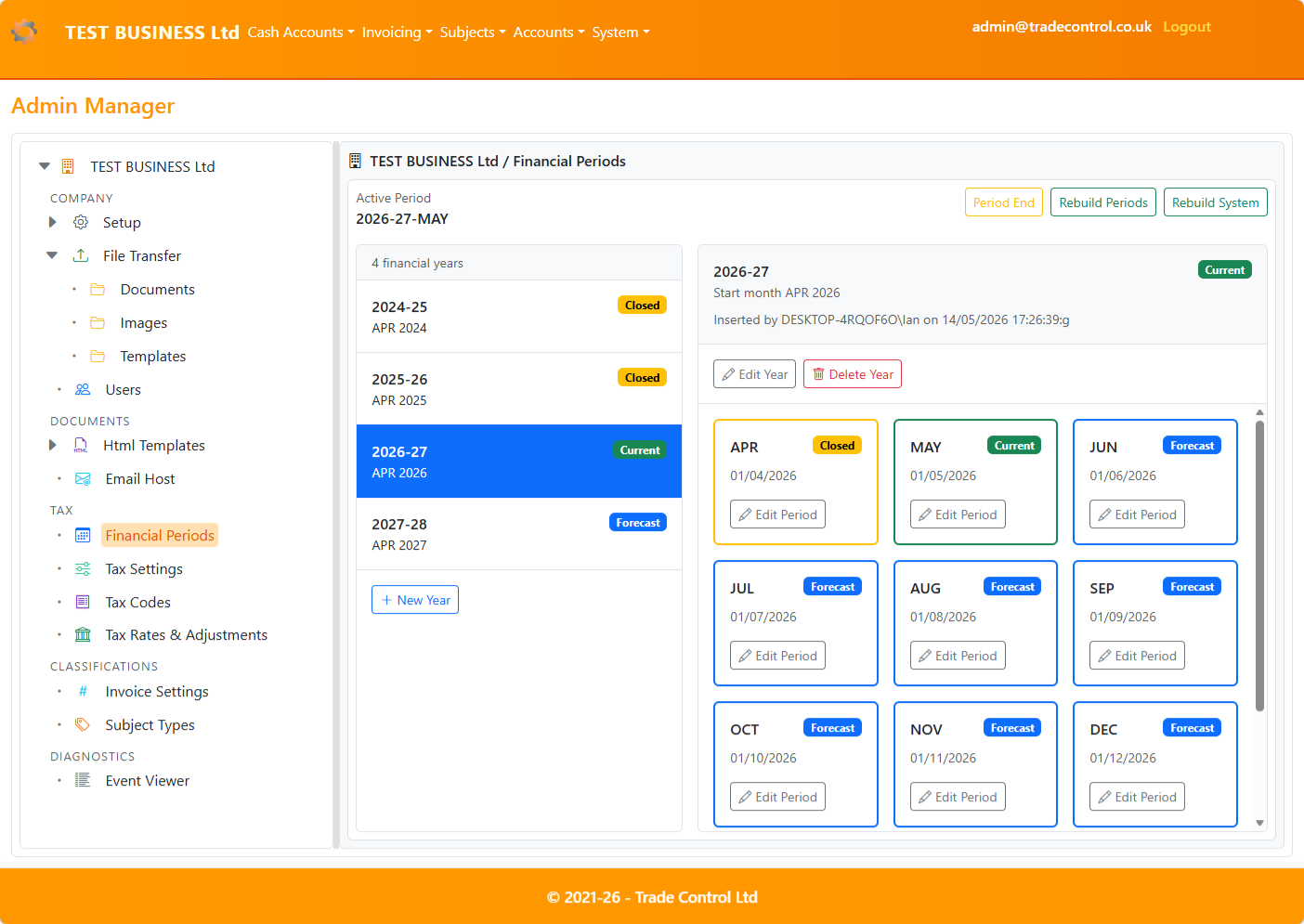
Admin Manager - Overview
Admin Manager is the central workspace for configuring the business node.
It is intended for Administrators and delegated users responsible for system setup and maintenance.
Purpose
Use Admin Manager to:
- configure the business node and core accounting settings
- work through administration modules in a consistent tree-and-details workspace
- move quickly between related configuration areas
- review operational and diagnostic information in one place
How it works
On desktop, Admin Manager uses a split layout:
- left pane: configuration tree
- right pane: selected module
On mobile devices, modules open as full-screen views with a Back action to return to the tree.
Modules
- Setup
- Configure the baseline business node setup.
- Re-initialise the business node with new settings when required.
- Synthetic Datasets
- Replace the current business data with a synthetic demonstration dataset.
- Choose a template, VAT setting, and scenario.
- Monitor background installation status until complete.
- File Transfer
- Browse registered files by content type.
- Sync the database with the server file system.
- Upload, download, inspect, and delete files.
- HTML Templates
- Manage invoice templates and system templates.
- Assign documents, images, and related resources.
- Parse templates to validate output rendering.
- Mail Host
- Manage SMTP host profiles and select the active sender.
- Send a test email and review the result in Event Viewer.
- Rotate encryption keys used for stored mail passwords.
- Users - Registration process
- Understand registration states and the end-to-end workflow.
- Troubleshoot missing emails and pending approval.
- Users
- Process confirmed registrations by creating
Usr.tbUser.
- Assign roles and delete users safely.
- Financial Periods
- Set the financial year and monthly boundaries.
- Close months and rebuild closed periods after historic changes.
- Tax Configuration
- Tax Settings: due rules and scheduling per tax type.
- Tax Codes: VAT codes and rounding rules used in transactions.
- Tax Rates & Adjustments: corporation tax rates over time and windowed adjustments.
- Reporting Profiles
- Maintain authority registrations and durable statutory filing settings.
- Review readiness before preparing submissions in Tax Hub.
- Classifications
- Invoice Settings: set the next document numbers per invoice type.
- Subject Types: classify organizations using cash polarity.
- Event Viewer
- Review errors, warnings, and information events.
- Inspect full event messages and submit selected errors to support.