
Setup is used to initialise or re-initialise the business node when you need a clean configuration baseline.
Open:
On desktop, Setup opens in the right-hand pane. On mobile, it opens as a full-screen view.
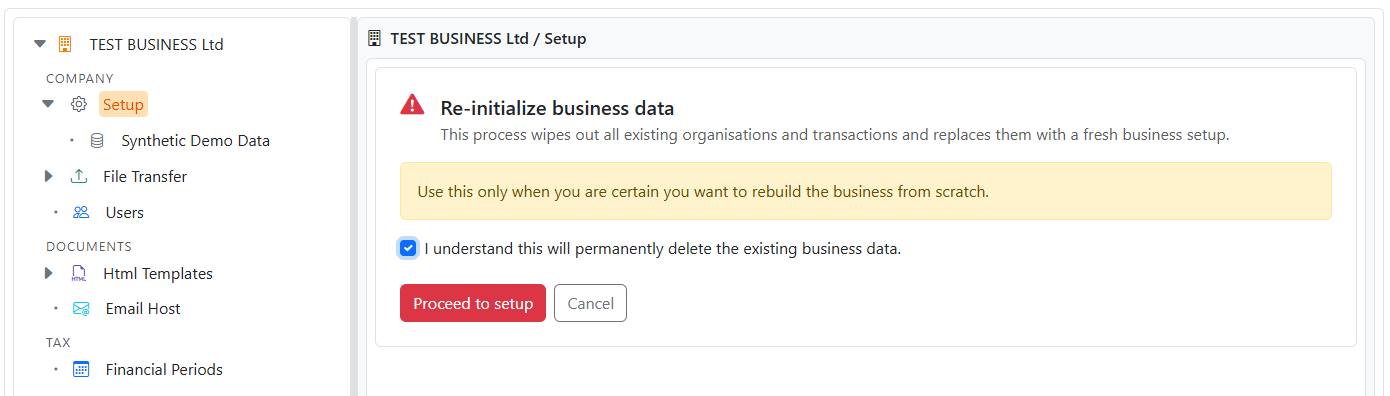
Business Initialisation is a destructive action.
It will:
Safety controls:
Administrators role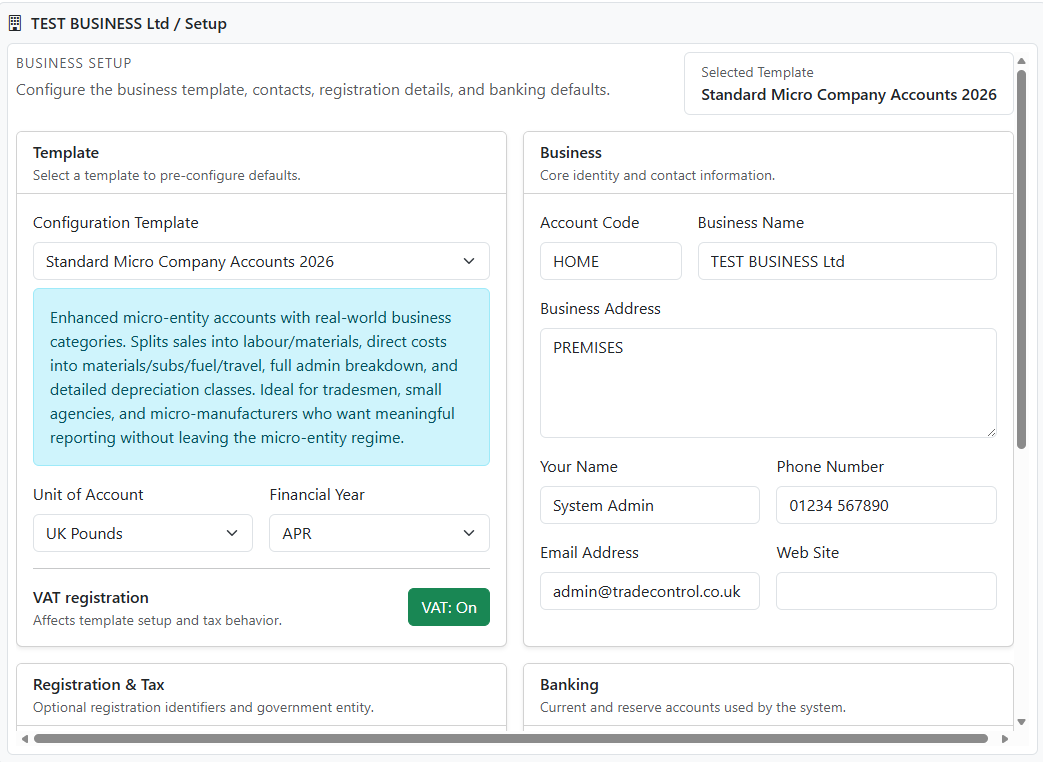
After confirming the warning, the Business Setup form opens.
Use it to define:
For detailed guidance on the setup fields, see:
Use Setup when you need to:
On mobile, the Back action returns to the previous Admin Manager node.


