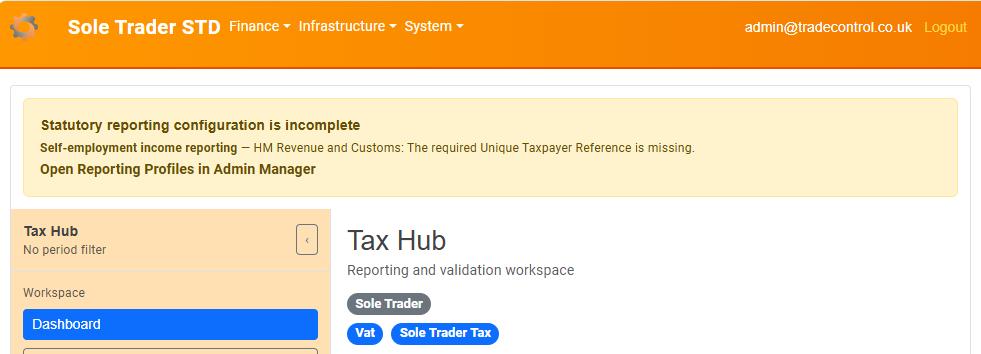
The Dashboard gives an at-a-glance view of the business type, active reporting regimes, current tax summaries and upcoming obligations.
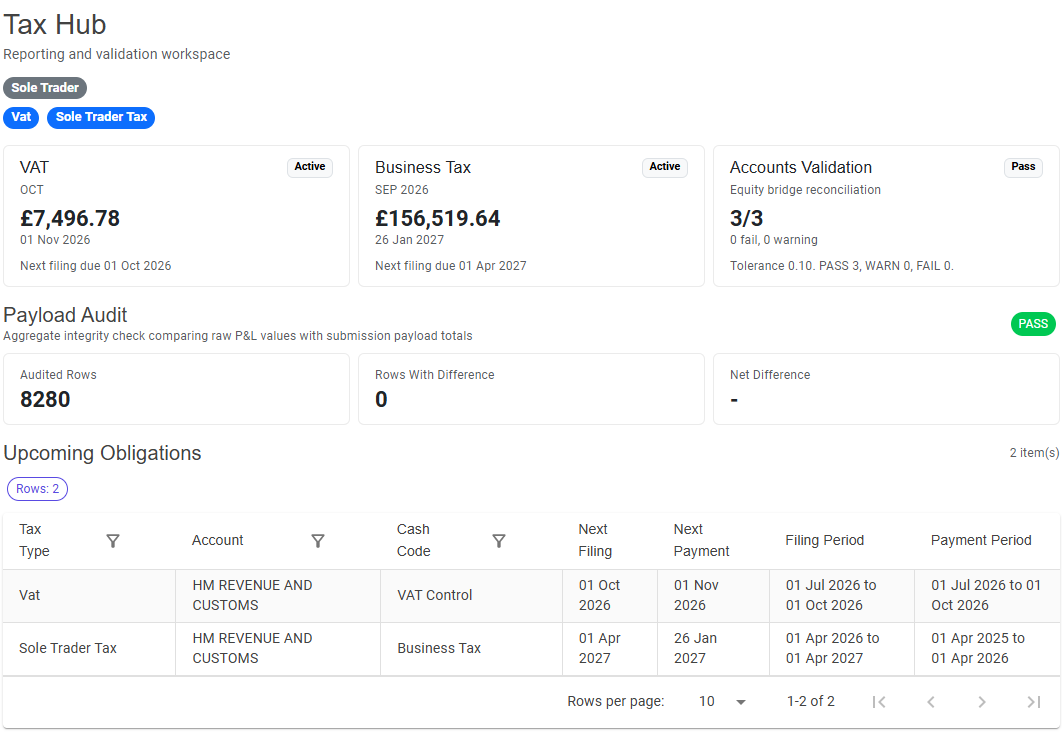
Summary cards show the current position for the regimes available to the business. Payload Audit compares aggregate accounting values with prepared payload totals and reports PASS, WARN or FAIL. Review any difference before relying on a prepared artifact.
Upcoming Obligations lists filing or payment obligations currently available to the workspace. It does not mean that Tax Hub can yet transmit a filing.
Tax Hub checks every reporting profile when it loads. If configuration is incomplete, the warning identifies the affected reporting purpose without exposing sensitive identifiers.
Administrators can follow Open Reporting Profiles in Admin Manager. Other users should ask an administrator to correct and review the profile.