
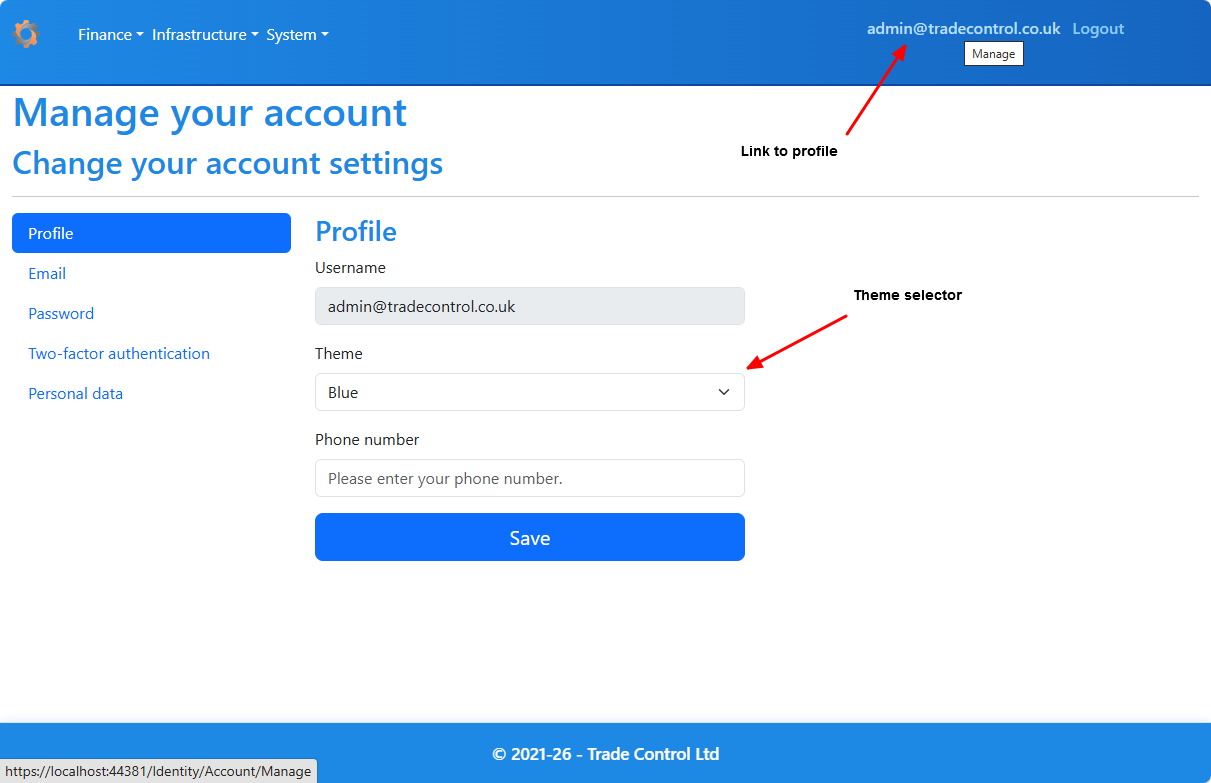
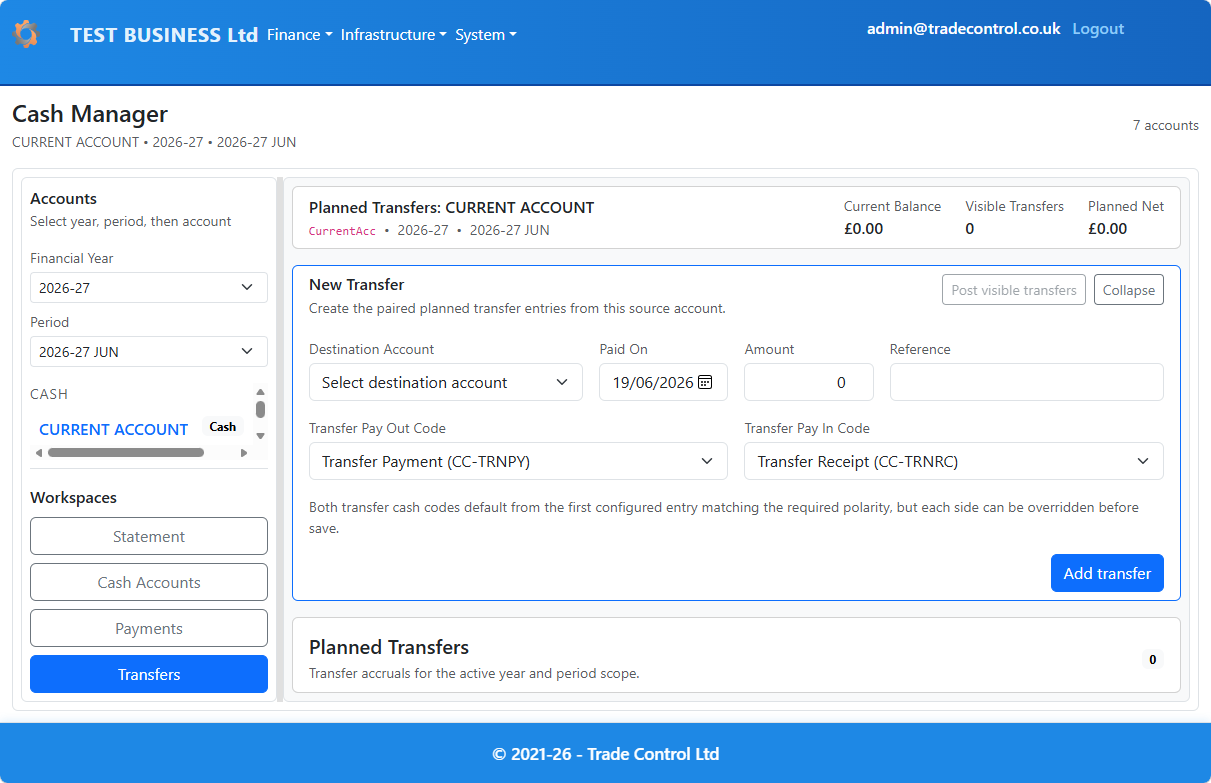
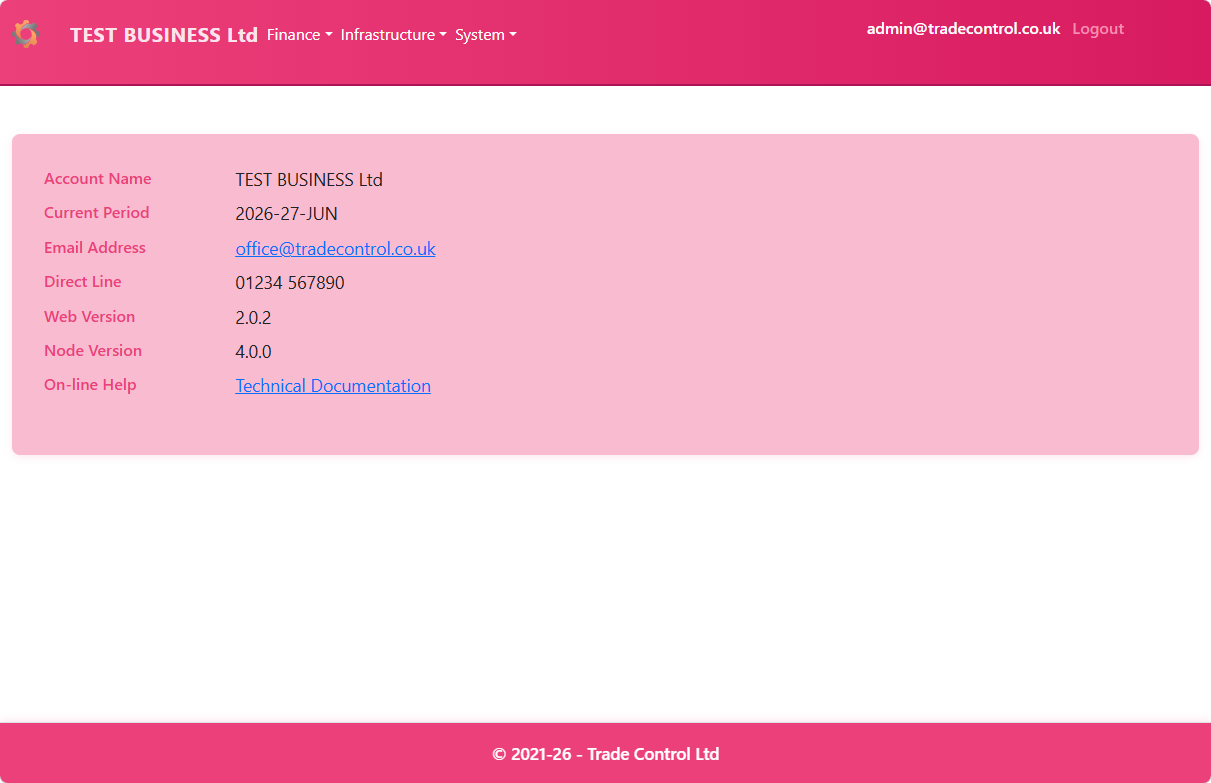
Users can personalise the interface colour scheme. There are several in-built themes to choose from:
Administrators can add or modify themes.
Create a new CSS file in /wwwroot/css/themes/ by copying an existing theme.
Ask AI to provide a theme e.g. coral
Add a record to Usr.tbTheme using the standard SQL insert format:
INSERT INTO Usr.tbTheme (ThemeCode, ThemeName, CssFile)
VALUES ('CORAL', 'Coral', 'theme-coral.css');

